





How to Speed Up a Slow Laptop (Windows & Mac) Without Upgrading Hardware

Apr 3, 2026

What’s Happening
Performance drops when CPU, RAM, or storage are overloaded. Most slow systems suffer from too many startup apps, low disk space, and background processes.
Quick Fix
- Restart system
- Close unused apps
Step-by-Step Fix
1. Disable Startup Apps
- Windows: Task Manager → Startup
- Mac: Login Items
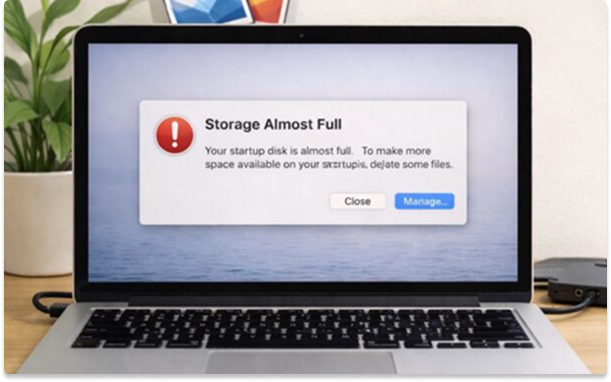
2. Free Storage (Critical)
- Keep 20–30% disk free
- Delete large unused files
3. Identify Resource Hogs
- Task Manager / Activity Monitor
- Sort by CPU or Memory
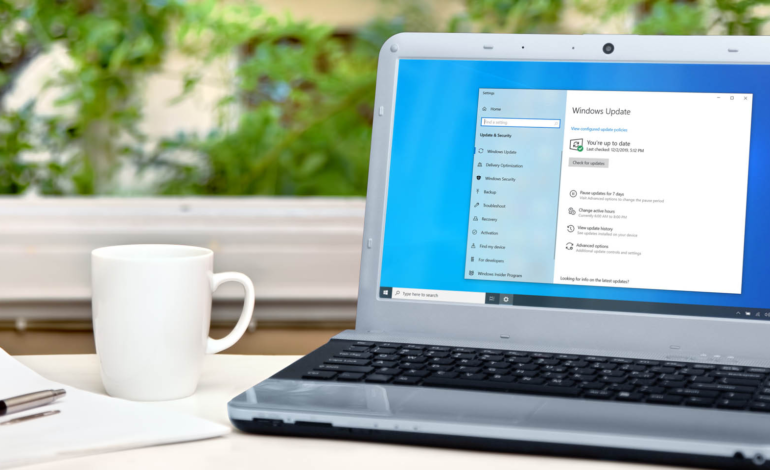
4. Update System
- OS updates
- Driver updates
5. Scan for Malware
- Windows Defender / Malwarebytes
6. Reduce Visual Effects
- Disable animations
Advanced Fixes
- Upgrade to SSD
- Add RAM
- Clean internal dust
When to Escalate
- CPU memory usage and active time is always at 100%
- Frequent freezes → hardware issue