





How to Fix “No Sound” or Audio Issues on Any Device
What’s Happening No sound issues usually come from wrong output device selected (most common), muted system or app-level audio, corrupt or outdated audio drivers, app-specific audio bugs or hardware issues (speakers, headphones, ports). Modern systems often route audio to the last connected device, which is why sound disappears. Quick

How to Recover Deleted Files on Windows, Mac, Android, and iPhone
What’s Happening When you delete a file, it isn’t immediately erased. Instead, the system marks that space as available, and the file remains recoverable until overwritten by new data. Quick Fix Before trying anything: Step-by-Step Fix 1. Check Recycle Bin / Trash Windows Mac 2. Check Recently Deleted (Cloud & Apps) Many apps store deleted files separately.

How to Fix Bluetooth Not Connecting (Earbuds, Keyboard, Mouse)

What’s Happening Bluetooth issues usually come down to pairing conflicts (device already connected elsewhere), corrupt Bluetooth cache/settings, interference from nearby devices (Wi-Fi, other Bluetooth), outdated drivers or firmware or low battery affecting signal stability Quick Fix Step-by-Step Fix 1. Check If the Device Is Already Connected Elsewhere Bluetooth
How to Free Up Storage Space Without Deleting Important Files
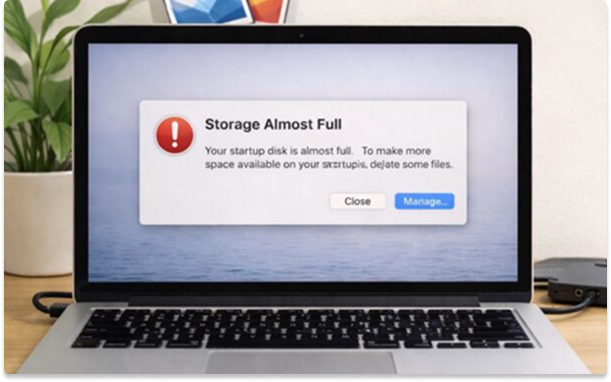
What’s Happening Storage fills up over time due to large media files (photos, videos, downloads), hidden app data and cache, duplicate files or system and temporary files. When storage gets low, devices slow down, apps crash or behave unpredictably, and updates fail. Quick
How to Fix Apps Crashing or Not Opening on Android, iPhone, Windows or Mac
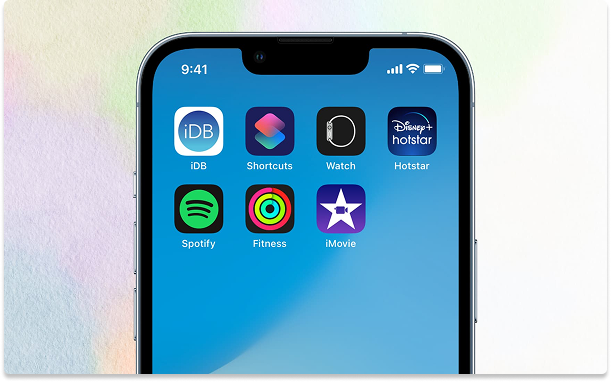
What’s Happening Apps crash due to corrupt cache, OS incompatibility, or memory shortage. Quick Fix Step-by-Step Fix 1. Clear Cache (Android) Settings → Apps → Storage → Clear Cache 2. Reinstall App On Android On iPhone On Windows On Mac 3. Check Permissions On Android On iPhone 4.

How to Speed Up a Slow Laptop (Windows & Mac) Without Upgrading Hardware

What’s Happening Performance drops when CPU, RAM, or storage are overloaded. Most slow systems suffer from too many startup apps, low disk space, and background processes. Quick Fix Step-by-Step Fix 1. Disable Startup Apps 2. Free Storage (Critical) 3. Identify Resource Hogs 4. Update System 5. Scan for Malware
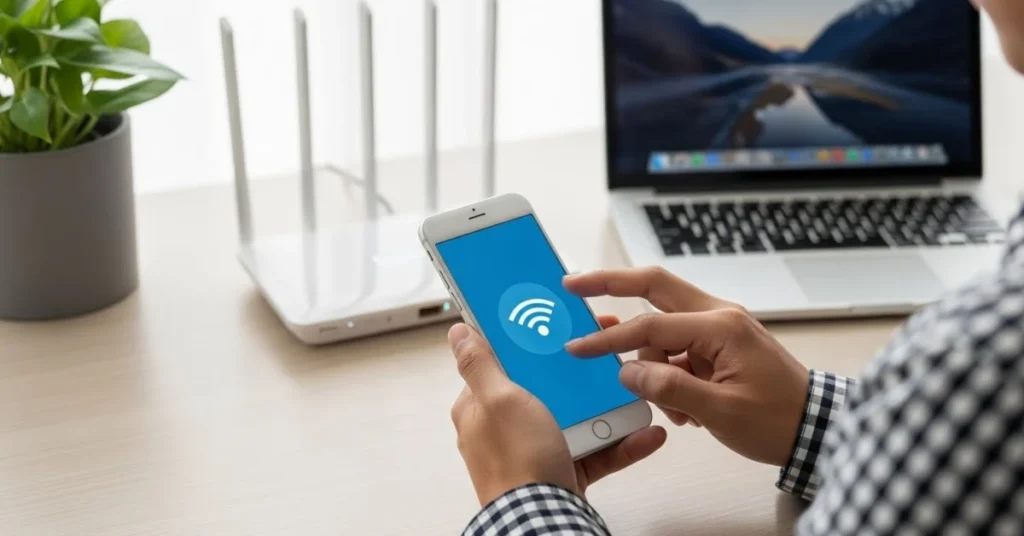
How to Fix Wi-Fi Connected but No Internet on Windows, Mac, and Mobile
What’s Happening Your device is connected to Wi-Fi, but websites and apps won’t load. Step by Step Fix Step 1: Confirm It’s Not the Internet Itself Step 2: Restart Everything (Yes, Properly) Step 3: Forget and Reconnect to Wi-Fi Windows / Mac / Mobile: Step 4: Reset Network Settings

The Evolution of Search: How AI and New Interfaces Are Changing How We Find Information
The way we seek information is undergoing a profound transformation, moving far beyond simply typing keywords into a search bar. Driven by rapid advancements in Artificial Intelligence (AI) and the emergence of innovative user interfaces, the very act of searching is becoming more

AI-Powered Robotic Process Automation (RPA): Moving Beyond Simple Scripts to Intelligent Workflows
As the complexity of business operations grows and the volume of unstructured data explodes, traditional RPA, with its rule-based limitations, has begun to show its boundaries. This is where the power of Artificial Intelligence (AI) steps in, propelling RPA beyond simple scripts to
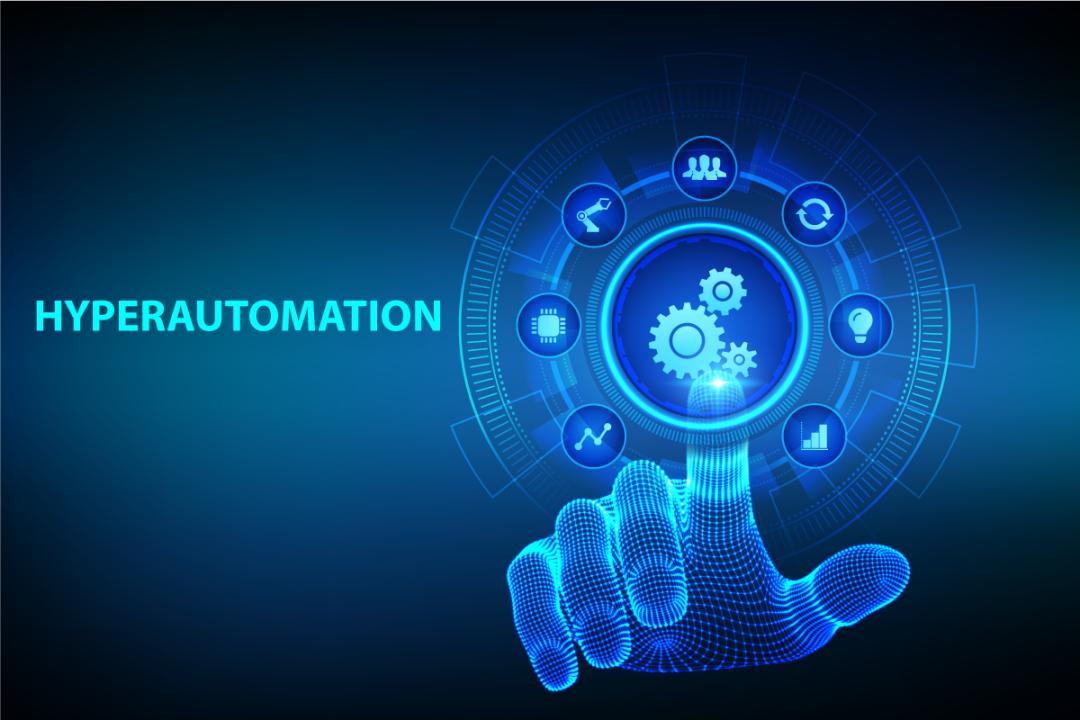
What Is Hyperautomation and Why Should Businesses Care?
Hyperautomation goes far beyond traditional automation to redefine how organizations operate. It's a comprehensive, business-driven strategy that orchestrates multiple advanced technologies to identify and automate as many processes as possible, as quickly as possible.
Don’t miss
VivaTech 2026
A leading European tech event bringing together startups, investors, and global tech leaders around innovation
Apple WWDC 2026
Apple’s major software event, unveiling the next generation of iOS, macOS, and AI-driven platform.
Google I/O 2026
Google’s flagship event showcasing advances in AI, Android, cloud, and developer ecosystems.